 Disconnected
Configure My Ergoslider
Update My Ergoslider
Firmware version: —
Your Ergoslider has already installed the latest firmware
- Connect your Ergoslider to your computer, then click “Connect”.
- Click “Update to the latest version” if an update is available.
- Keep this page open. Do not unplug your Ergoslider or turn off your computer during the update.
- Your Ergoslider may temporarily disconnect during the update. It will reconnect automatically; if prompted, click “Reconnect mouse” and select your device.
- Once the update is complete, you can continue using your Ergoslider.
Update in progress. Do not unplug your Ergoslider or turn off your computer.
About Ergoslider
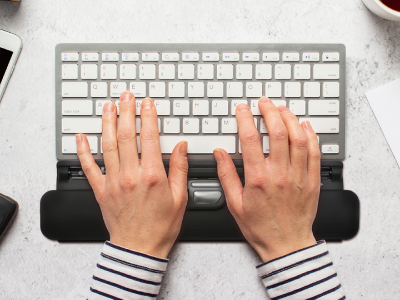
Ergoslider is an innovative ergonomic input device designed to reduce wrist strain while enhancing productivity.
Device Information
- Model:
- Ergoslider Plus
- Firmware Version:
- —